
Audio-Reactive Visuals for Music Producers — Getting Started
You've spent hours getting the mix right. The low end punches, the stereo field breathes, the arrangement builds and releases exactly where it should. But when you share your track, it's a static image or a waveform. What if your music could drive its own visuals — in real time, with no video editing required? This guide explains what audio-reactive visuals actually are, why producers are adopting them, and how to get your first visual running in under 60 seconds.

What "Audio-Reactive" Actually Means
Audio-reactive visuals aren't just graphics that pulse when the kick hits. Under the hood, they use real-time audio analysis to drive visual parameters across multiple dimensions.
The core techniques:
FFT (Fast Fourier Transform): Breaks incoming audio into frequency bands in real time. Low frequencies can drive one visual parameter (scale, distortion), mids another (color, rotation), highs a third (particle speed, brightness). This is what separates actual audio reactivity from a simple volume meter with graphics attached.
Envelope following: Tracks the amplitude contour of the audio — attack, decay, sustain, release. Visual elements can rise and fall with the shape of the sound, not just its peaks.
Beat/transient detection: Identifies rhythmic events and triggers discrete visual changes — a flash on the snare, a scene cut on the downbeat, a color shift on the off-beat.
STFT (Short-Time Fourier Transform): A more precise version of FFT that analyzes audio over short overlapping windows. Produces smoother, more musical visual responses with less jitter.
Good audio-reactive tools combine these techniques. Bad ones just map overall volume to brightness and call it a day. The difference is immediately visible — one feels like the visuals are coming from the music, the other feels like a screensaver with a beat detection toggle.
Why Producers Care
This isn't just about making things look cool. Producers are adopting audio-reactive visuals for practical reasons:
Content creation without video editing. A 30-second clip of your track with real-time visuals takes 30 seconds to make — hit record, play the section, done. No timeline, no keyframes, no rendering. For producers putting out regular social content, this is the difference between posting daily and posting never.
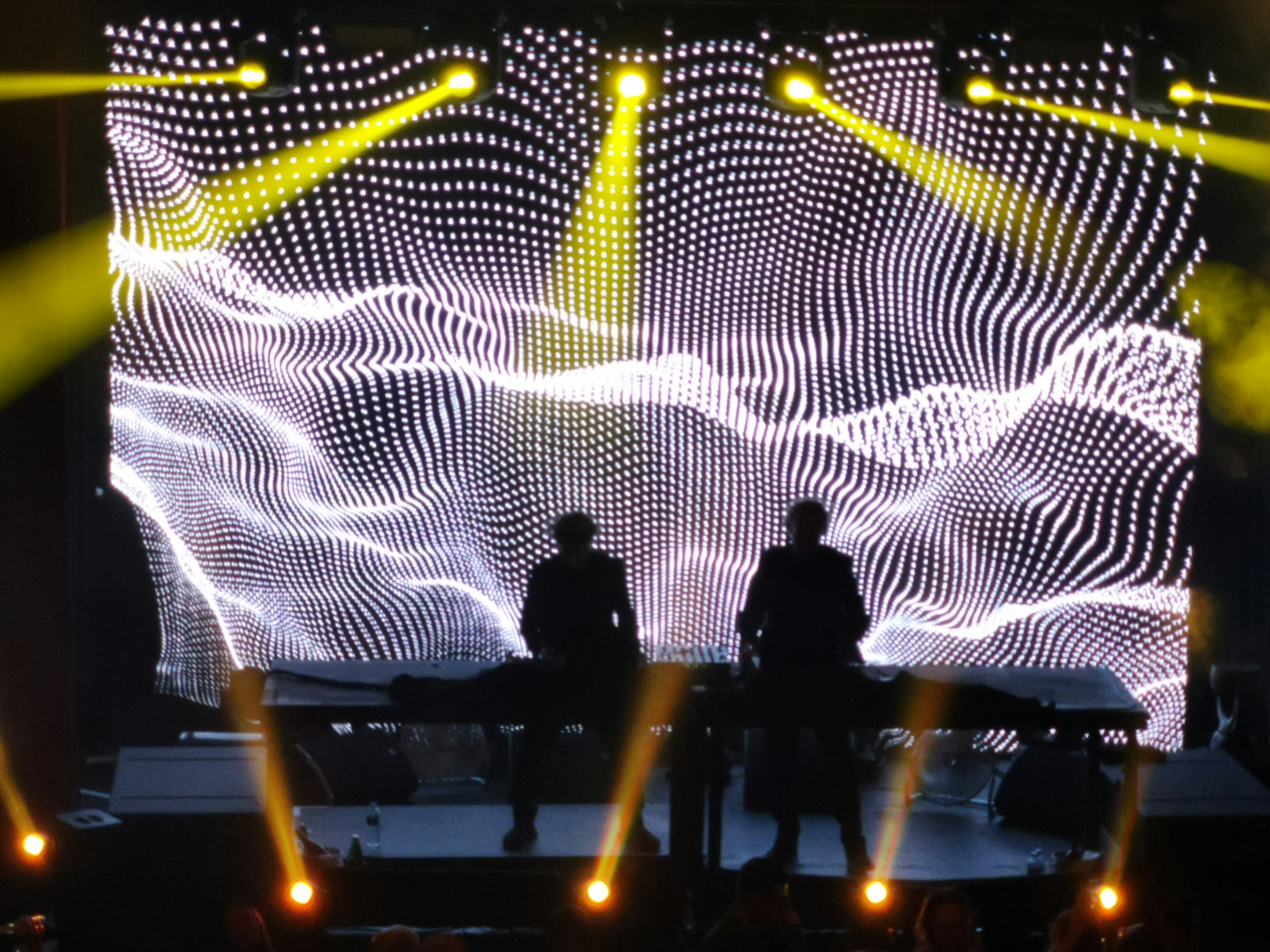
Live streams that look professional. A static album art background on Twitch or YouTube signals "I haven't thought about visuals." Audio-reactive visuals signal "this is a performance." The production value gap is enormous for zero additional effort once set up.
Music videos from real-time performances. Record your screen while running a track through a visualizer, and you have a music video. It won't replace a directed shoot, but it's authentic to the music in a way static imagery isn't. Many electronic artists now release visualizers as their primary video format.
A second opinion on your mix. When you see your music alongside hearing it, you notice different things. A section that looks visually static might be musically static in a way your ears have gotten used to. Visual feedback during production is genuinely useful for arrangement decisions.
It's just more fun. Making music with visuals running changes the session. It feels more immersive, more directional. A lot of producers report that it shifts how they work — in a good way.
Getting Started: Your First Visual in 60 Seconds
You don't need a second computer, a dedicated GPU, or any VJ knowledge. Here's the fastest path on Mac:
Download Arkestra (free, no time limit, no watermark).
Open it alongside your DAW. Arkestra runs as a separate app — it doesn't compete for CPU inside your session.
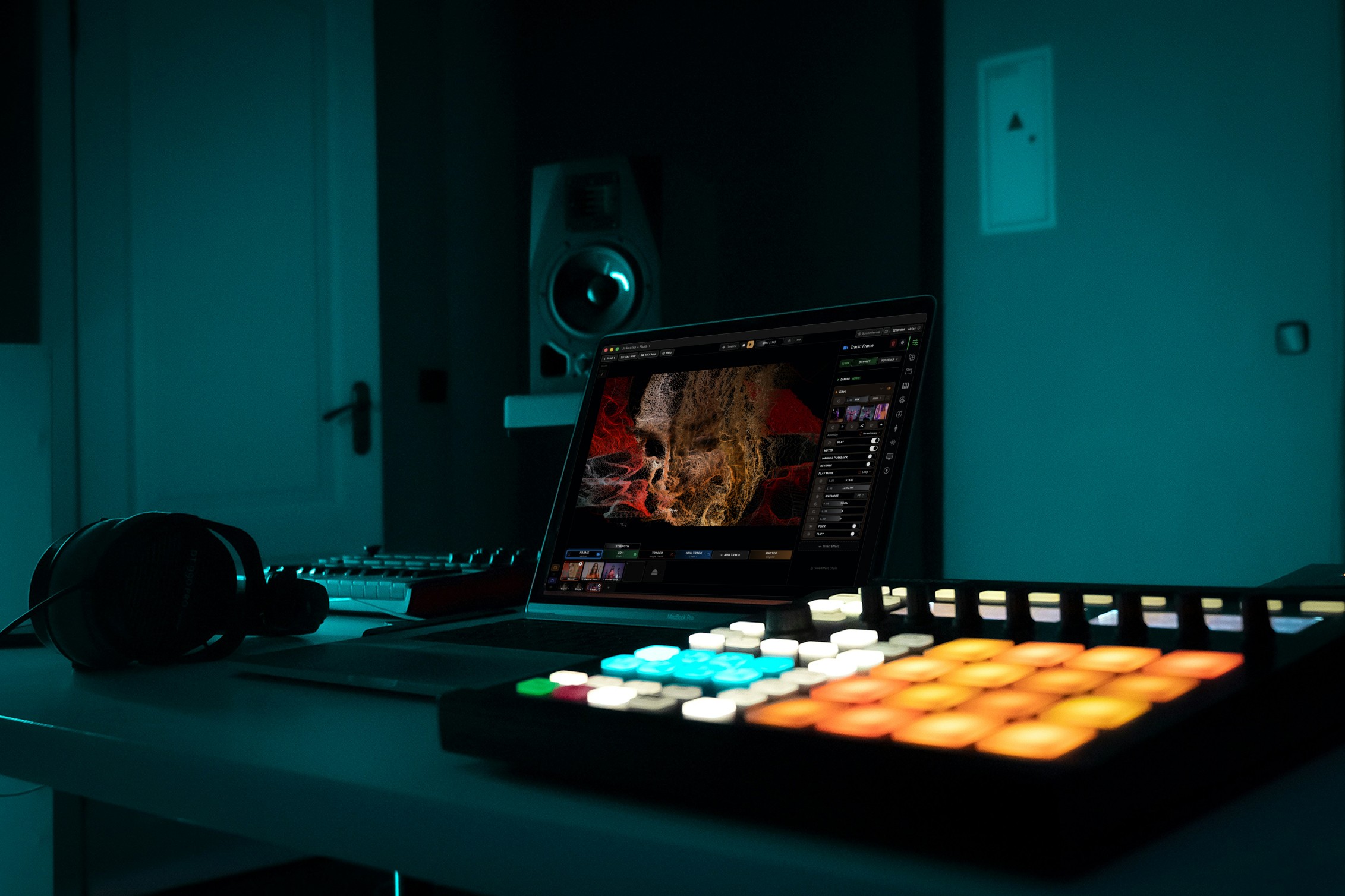
Connect your audio. Two options: select your system audio or audio interface as the input in Arkestra's settings (works with any DAW), or drop the Echo plugin on a track in your DAW for per-track routing (Ableton, Logic, any AU/VST3 host).
Hit play in your DAW. The visuals start moving immediately. Browse the shader library to find a look that fits your track.
That's it. No routing configuration, no virtual audio cables, no MIDI setup. From download to visuals in roughly the time it takes to make a coffee.
Going Deeper: Building a Visual Identity for Your Music
Once you've got the basics running, you can start treating visuals as part of your creative identity rather than an afterthought.
Per-Track Audio Routing
Most visualizers react to a single stereo mix — everything at once. Better tools let you route individual tracks independently. With Arkestra's Echo plugin, you can insert it on specific channels: kick on one visual parameter, synth lead on another, reverb send on a third. Each visual element responds to its own musical source.
This is what makes visuals feel composed rather than coincidental. When the bass drops, the visuals don't just get brighter — the specific layer driven by low frequencies responds, while other layers stay independent. The result matches your arrangement because it is your arrangement, translated to visuals.
Tempo Sync with Ableton Link
If your DAW supports Ableton Link (Ableton Live, Logic Pro, Bitwig, Reason, and many others), your visual tool can lock to your session's BPM automatically. No manual tempo entry, no drift. Visual parameters can be synced to the beat grid — LFOs that cycle every 4 bars, scene changes that fire on the downbeat, effects that build over exactly 8 bars and release.
MIDI Control
For producers who already use MIDI controllers, most visual tools can map to the same hardware. A knob that controls a filter in your synth can simultaneously control a visual effect. A pad that triggers a clip can also trigger a visual scene. The performance stays cohesive because one gesture controls both domains.
Recording Performances
Once everything is reacting the way you want, record it. Arkestra has built-in recording — hit record, play through your track, and export the video. Free tier records at social-media quality; Pro records at full HD. For live streaming, Syphon output lets OBS capture the visuals directly, no screen recording needed.

What to Look For in an Audio-Reactive Visual Tool
Not all tools are built for producers. Here's what matters:
Per-track audio routing, not just master output. The difference between "visuals on top of music" and "visuals from music."
DAW integration. A plugin that lives in your session beats external routing every time. Look for AU/VST3 plugin support.
Transport sync. Ableton Link or MIDI clock so visuals stay locked to tempo without manual BPM entry.
Shader variety. A library of at least 100+ shaders means you can find different looks for different tracks, not the same visual every time.
Recording built in. Exporting video should be one click, not a multi-app pipeline. For streaming, Syphon or NDI output is essential.
Reasonable learning curve. TouchDesigner can do anything — and takes months to learn. A producer-focused tool should get you to first visuals in minutes.
The Trap to Avoid
The most common mistake producers make: buying a visual tool, spending three hours configuring it, getting frustrated, and never opening it again.
Start simple. Get audio in, pick a shader, hit record. Make one 30-second clip for social media. That single success builds momentum. The advanced routing, the MIDI mappings, the multi-layer setups — those come naturally once the basic loop is working.
Audio-reactive visuals should make your production process more enjoyable, not add another piece of software to maintain. If a tool feels like work, it's the wrong tool.
Start Here
Arkestra is free to download on Mac with no time limit and no watermark. It's built for exactly this workflow — producers who want visuals that feel like an extension of their music, not a separate project.
Download Arkestra and have visuals running before your next render finishes.
Read more
Powerful for the Stage, Simple to start today
Arkestra is our flagship application for real-time generative visuals, for VJs, musicians, DJs and creators all around the world