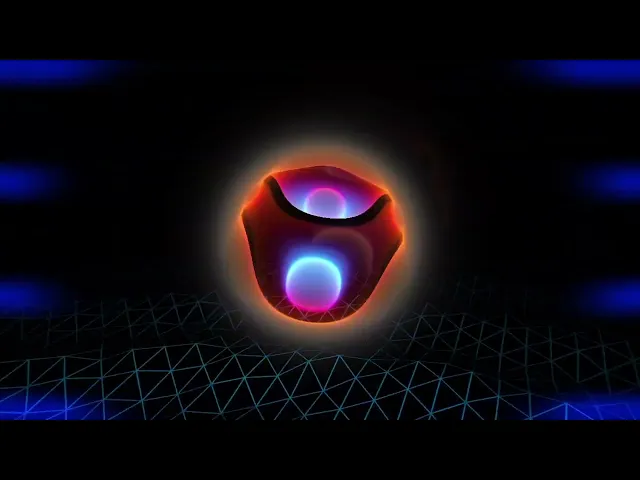
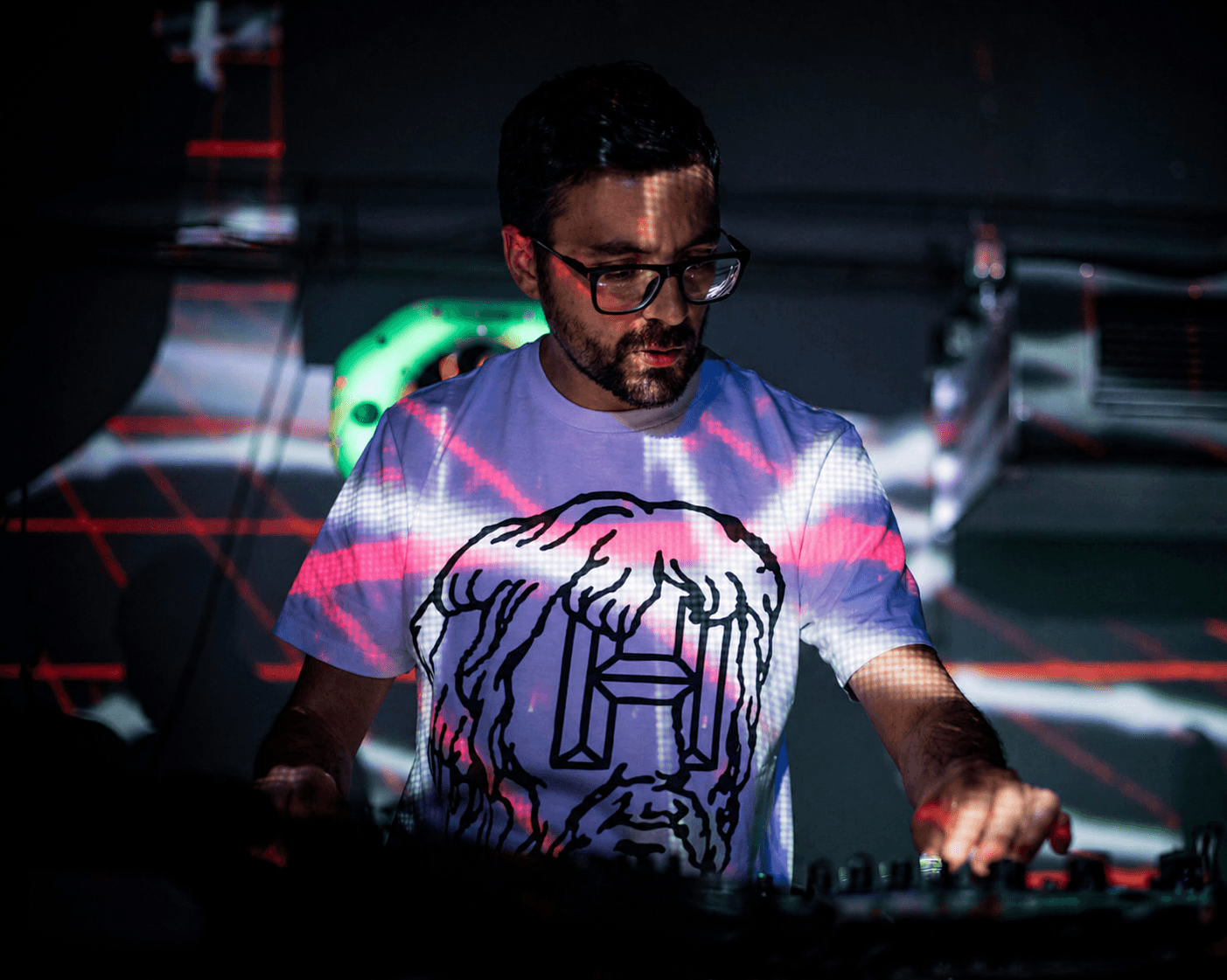
Promising/Youngster talks on his live AV-set
Diego aka. Promising/Youngster got involved in the making of Arkestra 3 and was preparing his upcoming show in parallell with the release of the new version. His thorough testing played a big part of battle testing Arkestra for release. Here he guides us through his workflow.
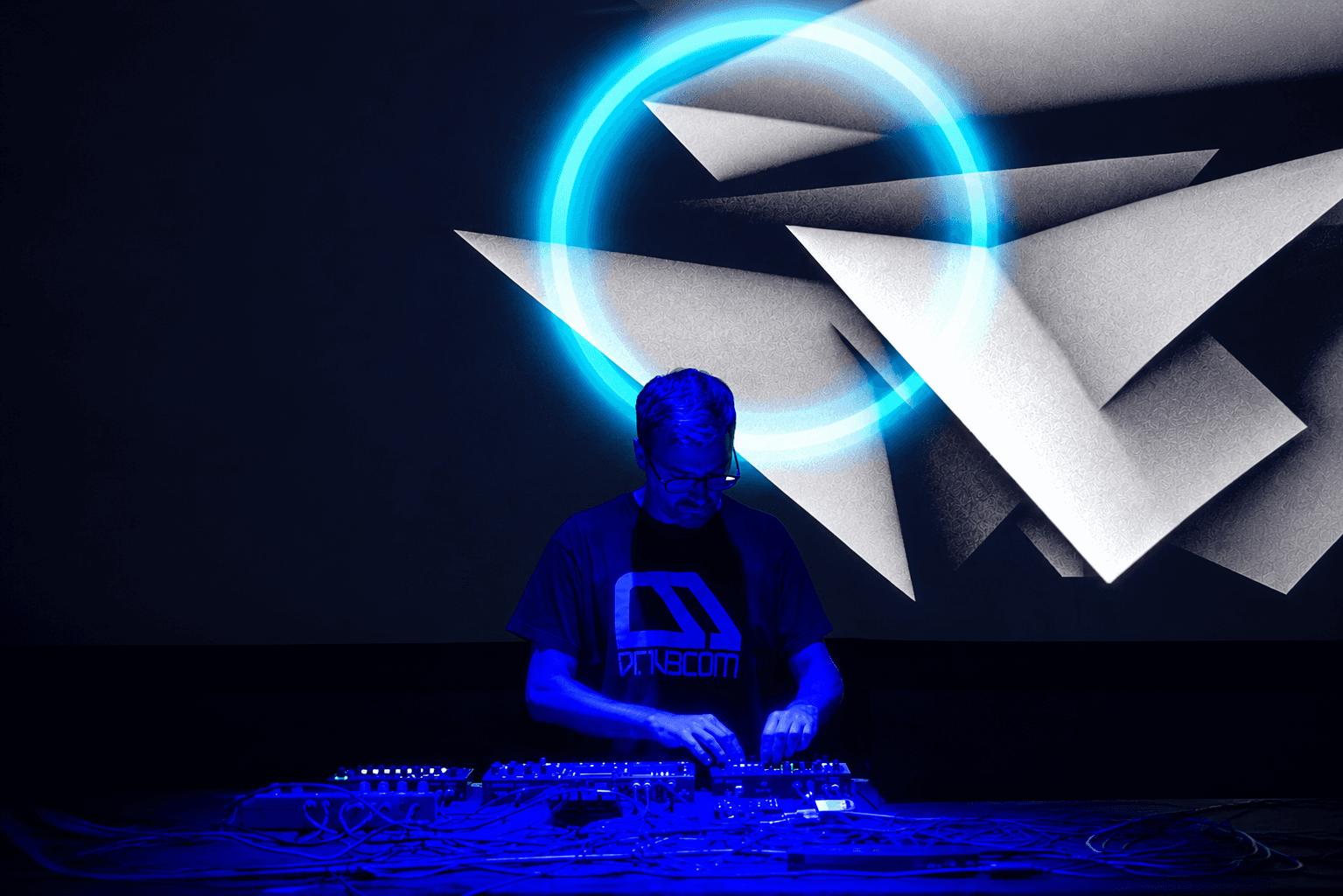
Hi Diego. You’ve premiered with your A/V gig. Can you tell us a little about that.
First of all, I’d like to make it clear that I’m a total newcomer to the world of visuals. I’m an electronic music artist, and I’ve always worked alongside excellent visual artists. However, at the request of the promoters for this specific show, I had to handle my own visuals. This led me to explore what options were available that would allow me to provide a complete A/V experience without needing to dive too deep into the technical side. That’s when I came across Arkestra
You’ve been closely involved in the process of Arkestra 3 coming to life. How does it feel to perform with it now?
I first discovered Arkestra with version 2, and shortly after that initial contact, I gained access to the early betas of version 3. Even those early versions represented a huge qualitative leap over v2. The ability to map almost every parameter to MIDI messages, combined with the various modulation sources, ensures that the visuals and the music don’t just complement each other, they become a seamless extension of one another.
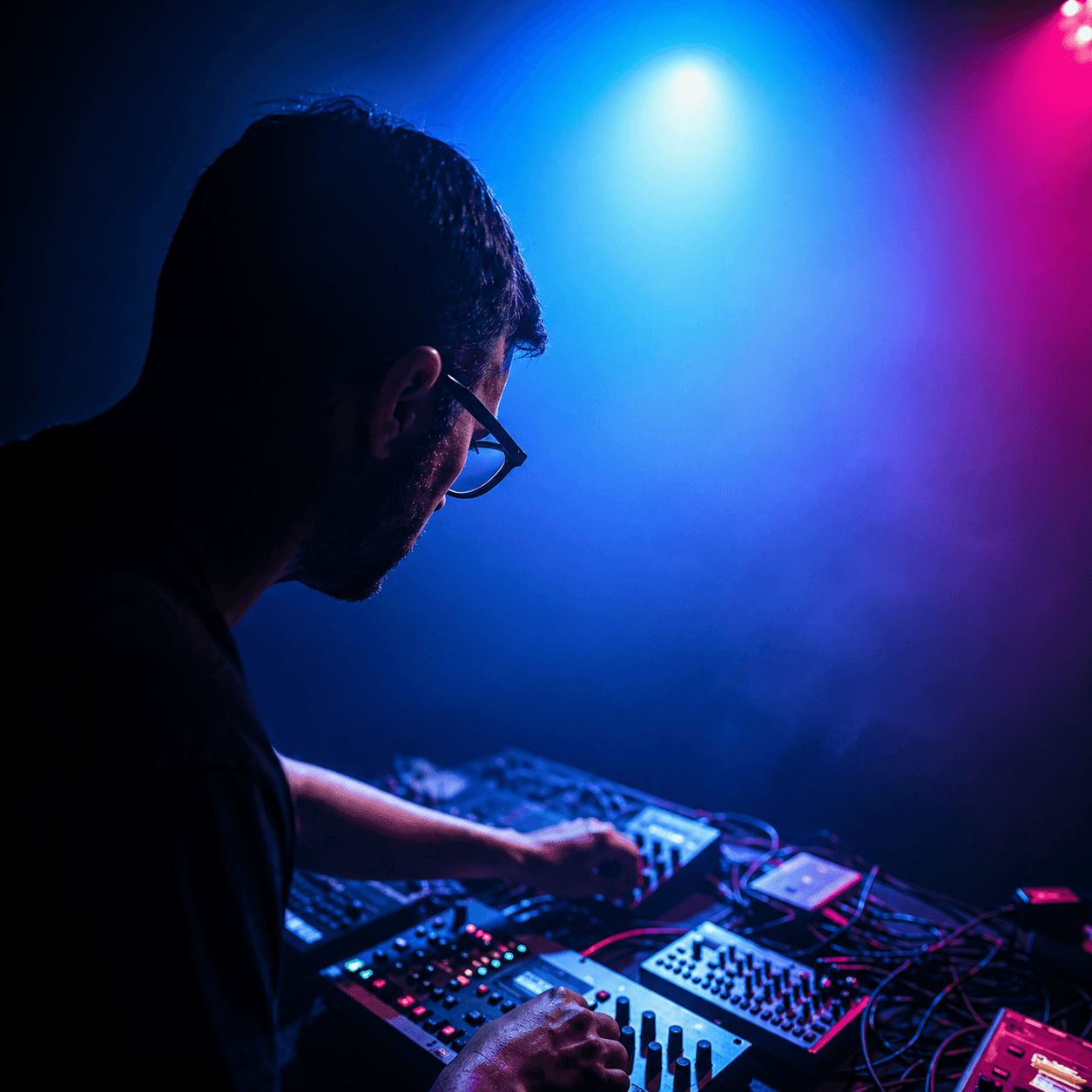
How does your setup look like for this show on the musical side of things? I've understood that your Octatrack plays a big role orchestrating things, no?
My setup consists of:
Elektron Octatrack: Acts as the mixer, sequences the other synths, and triggers vocal and FX samples.
Roland TR-6S: Handles the drums and rhythm section.
Access Virus & Roland MC-101: For everything else; basslines, leads, pads.
Korg NTS-3: Applies rhythmic effects to the TR-6S.
And two key control pieces: the Oxi E16 MIDI controller and the Blokas Midihub, which is a true MIDI Swiss Army knife.
As you rightly said, the Octatrack is the brain of the setup. The rest of the gear is more or less replaceable -and in fact, it has changed over time-. The Octatrack has been with me for 10 years across its various versions, and it doesn't look like it's going anywhere anytime soon
How are you controlling the visuals from that setup?
As I mentioned earlier, I am first and foremost a music artist, and my approach for live shows is "change nothing." Let me explain
I want the visuals to completely adapt to my music and to the tweaks I make on the fly during the performance. This way, I don't have to alter the musical workflow I already have established, plus, being a "one-man band", I don't have the capacity to manually tweak visuals live, so all the visual work relies heavily on preparation. With that context in mind, it's easy to see why MIDI control is the cornerstone of my project. To achieve this, I take advantage of three main message types:
MIDI Notes: In addition to routing to the synths, the notes coming out of the Octatrack also go to Arkestra. With them, I trigger different visuals or effects like zooms and the like. I especially like mapping the kick and snare to these effects. I prefer the mathematical precision that MIDI offers over audio-reactive systems, for example, when doing drum fills or rolls. It's also incredibly useful with arpeggios.
Control Change (CC): I use CC to modulate the presence of generators, videos, or effects in a more linear fashion. For instance, if I raise the volume of a synth or open the filter on a pad, I pair that with the intensity of a visual layer or color saturation. I handle these modulations from the Oxi, which sends the same data to the synths and the laptop – which I use exclusively for visuals.
Program Change (PC): Musically, I structure my live set into overlapping tracks. I do the same with the visuals, but for each song, I use 3 or 4 chains in Arkestra. To launch these chains, I use Program Change messages triggered, once again, from the Octatrack's sequencer.
I also usually create a "bridge chain" for transitions between tracks, incorporating elements from both songs. Musically, I make these transitions using the Octatrack's crossfader, which fortunately also sends CC. I map this CC to the MIX amount of the chains, meaning transitions are completely synchronized both musically and visually... I can make them last as long as I want!
I also use a lot the Arkestra's native LFOs and sequencers, which always run perfectly in sync since they receive the master clock from the Octatrack.
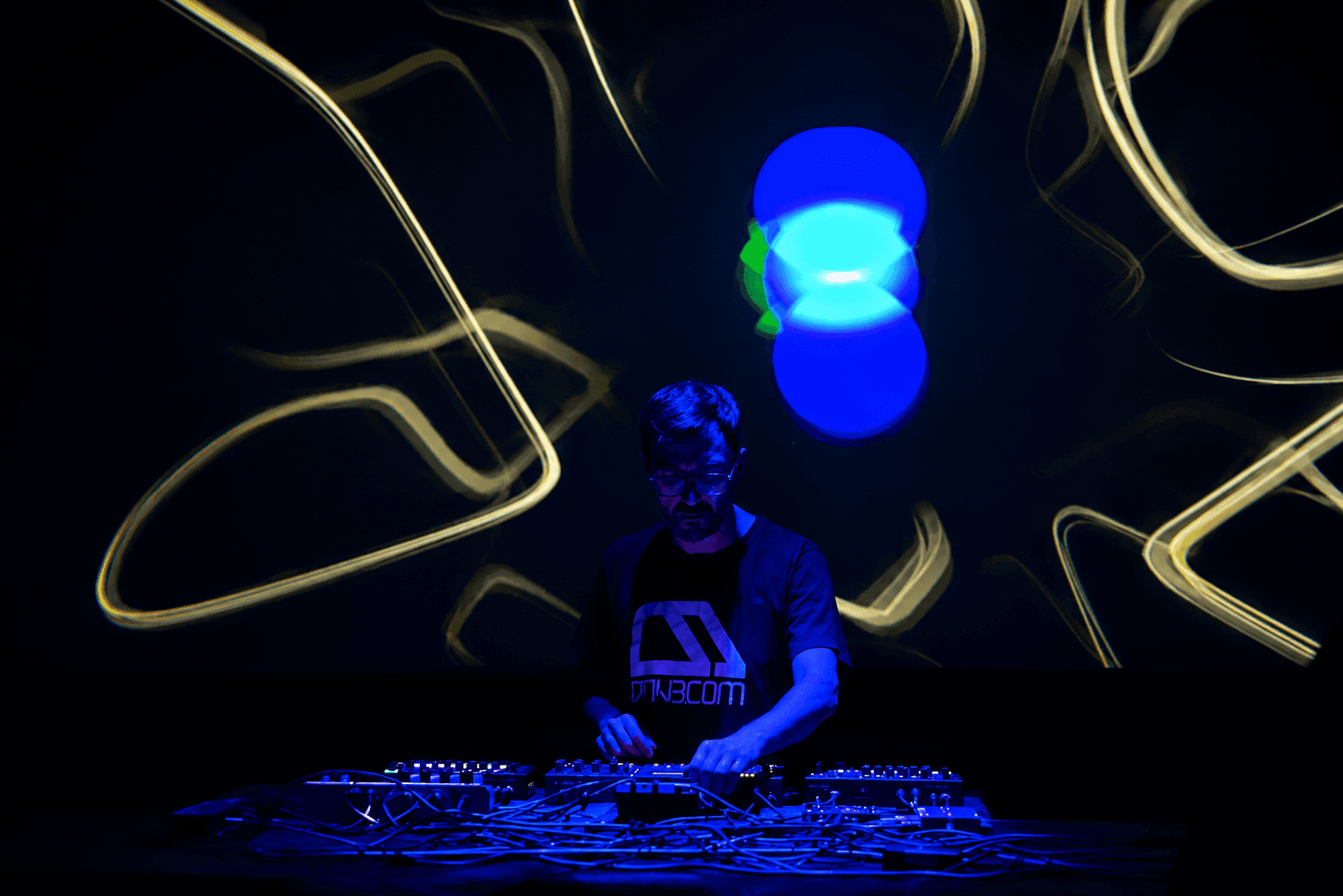
What do you look for when exploring to visualize your music? What guides you in the creative workflow?
I don't usually just sit down and start working on visuals from scratch. I like to collect resources that just pop into my head at any given moment (my notes app is full of stuff). Whether it's jotting down ideas for videos and images or hunting for shaders on my phone, I love gathering material outside the studio to use later.
Once I'm at the studio and ready to apply those resources, I try to follow the linear structure of the tracks. First, I find elements that lock in well with the drums, and then I build the rest of the visual theme on top of them, following the same MIDI mapping guidelines I mentioned earlier.
As for the actual material, it’s pretty basic (I’m still a beginner!). For basslines and pads, I use more "relaxed" images or loops, whereas for the rhythm section, I lean heavily into fast cuts, evolving fractals, and rapid-fire imagery.
The video clips I use are usually short, by utilizing manual playback, I can get a ton of variations without needing massive amounts of footage. I also like incorporating text during vocal parts (I don't use vocals heavily, but a few samples pop up here and there).
Plus, my music is usually full of glitches, so I always make sure to use those moments to trigger matching glitch effects on screen.
How was your feeling after the show? Walk us through a little of the performance.
To be honest, the premiere of the AV show went perfectly. There were some nerves, but the previous rehearsals had gone very well, so everything flowed smoothly. Also, a few days before, I had decided to change a track that didn't quite fit with the rest, so I had to adapt the visuals in record time. In general, the style of the live performance, both musically and visually, was progressive. It started with a calmer part, oriented towards melodic IDM (where I used more organic, real-footage visuals) and evolved towards a style closer to electro, with a heavier load of fast visual effects and lots of strobes
What are you taking with you as your next steps?
Regarding the future, I haven't stopped making music, and my idea is to keep creating visuals for the new material. Every time I finish a track, I want to create the visual piece for it. My live sets are never the same: I collect the songs I deem appropriate for each occasion and work on the transitions between them. Since Arkestra allows importing chains from other projects, it will be very easy for me to create a visual project for each song, and then compile them and work on the transitions, just like with the music.
Thanks. And good luck with your future shows.
You can watch Promising/Youngster's recorded A/V set below.
Read more
Powerful for the Stage, Simple to start today
Arkestra is our flagship application for real-time generative visuals, for VJs, musicians, DJs and creators all around the world