Best VJ Apps for macOS: A Comparison of Popular Live Visual Tools
If you’re looking for a good VJ app for macOS, there’s no shortage of options — but choosing the right one depends heavily on how you perform, what kind of visuals you want to create, and how much setup you’re willing to do. This article compares some of the most widely used VJ and live visual performance tools on Mac, focusing on real-time visuals, audio-reactive workflows, and live performance usability.

What to Look for in a macOS VJ App
Before diving into specific tools, here are a few key criteria most Mac-based VJs care about:
Real-time visual performance (not just playback)
Audio-reactive or music-driven visuals
MIDI / Ableton Link / OSC support
Syphon output for integration with other apps
Performance-friendly UI for live shows
macOS stability & optimization
Comparison of Popular VJ Software for Mac
Resolume Avenue / Arena
Best known for: Industry-standard live VJ performances
Resolume is one of the most recognized names in VJ software. It offers a layer-based workflow, real-time effects, extensive MIDI mapping, and deep hardware integration.
Pros
Extremely powerful and flexible
Large effect library
Trusted at professional and festival-scale events
Cons
Higher price point
Steeper learning curve for new VJs
Interface can feel heavy for smaller setups
Best for: Professional VJs who need maximum control and compatibility.
VDMX (macOS)
Best known for: Modular, customizable VJ systems
VDMX is a macOS-only VJ environment designed for users who want to build highly custom live visual rigs. It’s incredibly flexible, but expects users to design their own workflows.
Pros
Highly modular and extensible
Strong MIDI, OSC, and plugin support
Popular among experimental performers
Cons
Requires significant setup time
Less beginner-friendly
Visual creation often depends on external assets or plugins
Best for: Advanced users who enjoy building custom visual systems.
Magic Music Visuals
Best known for: Audio-reactive generative visuals
Magic Music Visuals focuses on music-driven, generative graphics rather than clip-based VJing. It’s popular for creating responsive visuals for concerts and installations.
Pros
Excellent audio-reactive engine
Generative and procedural visuals
Lightweight compared to larger VJ suites
Cons
Less focused on traditional VJ mixing
Limited clip-based workflow
Visual style leans more toward abstract/generative
Best for: Artists focused on music visualization and generative visuals.
QLab (Video Use)
Best known for: Cue-based show control
While not a traditional VJ app, QLab is often used in live performance environments for tightly synchronized video playback.
Pros
Extremely precise timing
Reliable for structured shows
Great for theatre and installations
Cons
Not designed for live mixing or improvisation
Limited real-time visual manipulation
Best for: Cue-driven shows rather than improvisational VJing.
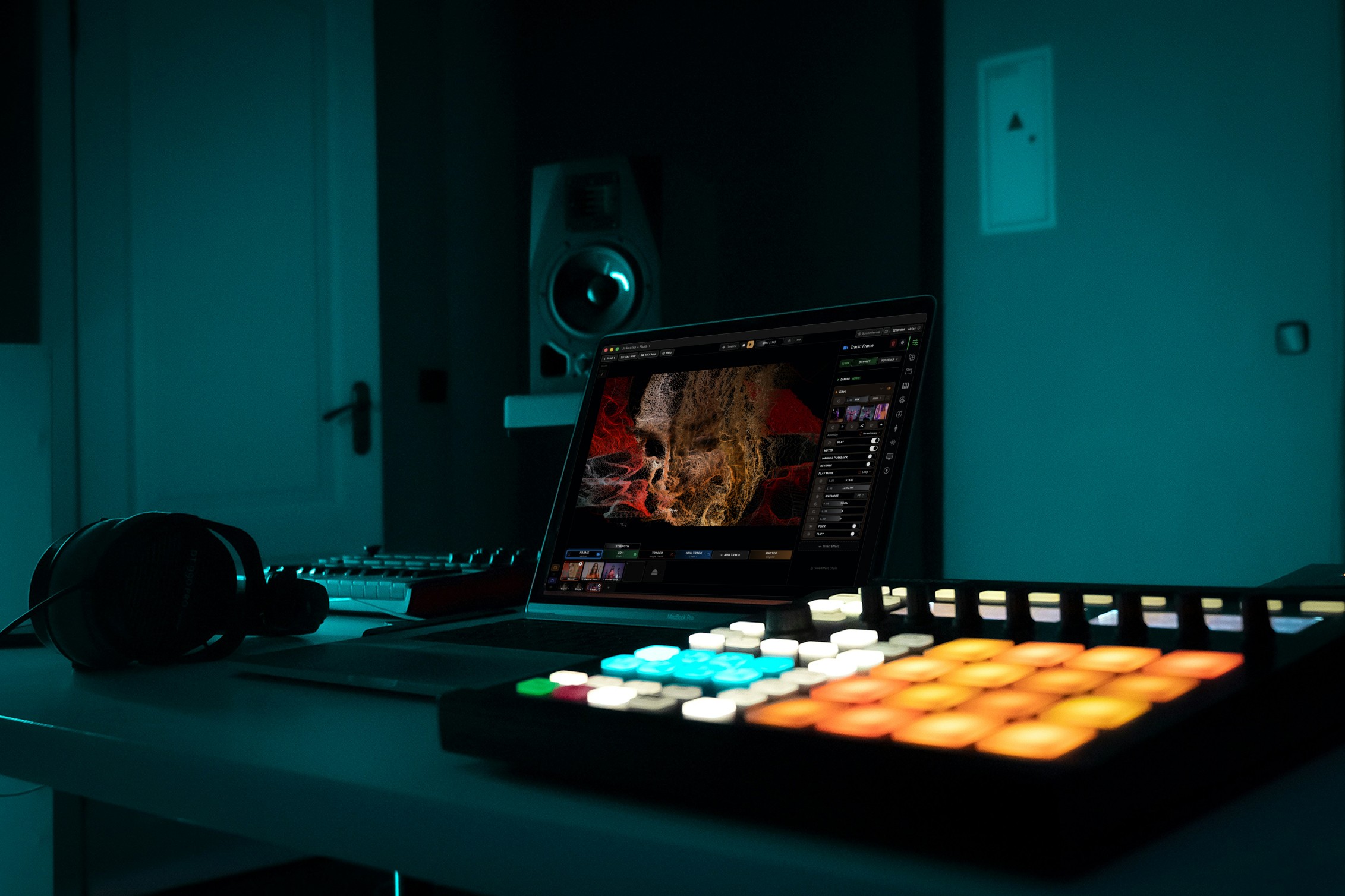
Arkestra
Best known for: Real-time visual performance with a streamlined workflow
Arkestra is a newer macOS-focused live visual tool designed specifically for real-time VJ performance, emphasizing immediacy, audio reactivity, and ease of use.
Pros
Designed for live performance from the ground up
Track-based visual workflow instead of complex layer stacks
Built-in audio-reactive visuals
MIDI and Ableton Link support
Syphon output for integration with other visual tools
Lower learning curve compared to larger VJ suites
Cons
Smaller ecosystem compared to long-established tools
Not focused on large-scale projection mapping
Best for: VJs and musicians who want a fast, performance-friendly way to create and manipulate visuals live on macOS.

Feature Comparison Overview
|
|
|
|
|
|
|---|---|---|---|---|---|
|
|
|
|
|
|
|
|
|
|
|
|
|
|
|
|
|
|
|
|
|
|
|
|
|
|
|
|
|
|
|
|
|
|
|
|
Legend:
✅ Strong | 🟢 Very accessible | 🟡 Moderate | 🔸 Partial | ⚪ Not a core focus
Choosing the Right VJ App for macOS
If you need maximum industry compatibility, Resolume is hard to beat.
If you want deep customization, VDMX is extremely powerful.
If your visuals are purely music-driven and generative, Magic Music Visuals shines.
If you run structured shows, QLab is reliable.
If you want a modern, performance-first VJ app on Mac, Arkestra is worth exploring.
Final Thoughts
There’s no single “best” VJ app for macOS — the right choice depends on how you perform and how much complexity you want to manage live. The good news is that Mac users now have a wide range of tools, from modular systems to streamlined real-time visual instruments.
For performers who prioritize speed, musicality, and real-time control, newer tools are increasingly filling the gap between heavyweight VJ software and experimental visual systems.
Read more
Powerful for the Stage, Simple to start today
Arkestra is our flagship application for real-time generative visuals, for VJs, musicians, DJs and creators all around the world