Free VJ Software for Mac: The Best Options for Live Visuals
If you’re looking for free VJ software for Mac, you’re not alone. Many visual artists, musicians, and DJs want to experiment with live visuals without committing to expensive licenses upfront. While fully free VJ tools on macOS are more limited than paid options, there are solid choices depending on what kind of visuals you want to create — from audio-reactive graphics to basic clip playback and live performance tools with free tiers. This article covers the best free (or genuinely usable free) VJ software for macOS, along with what each option is good — and not so good — at.
What “Free VJ Software” Really Means on macOS
Before diving in, it’s important to set expectations. On Mac, most professional VJ tools fall into one of these categories:
Fully free / open-source tools (often more limited or experimental)
Free tiers or demos with real performance value
Free trials of professional software
Creative coding tools that can be used for VJing
This list focuses on tools that can actually be used to create live visuals, not just time-limited demos that shut off mid-set.
Best Free VJ Software Options for Mac
OBS Studio (With Visual Plugins)
Best for: Free real-time visuals and video routing
OBS Studio is not a traditional VJ app, but many performers use it creatively for live visuals thanks to its scene system, video filters, and plugin ecosystem.
Pros
Completely free and open-source
Supports video sources, shaders, and filters
Syphon-compatible via plugins
Stable on macOS
Cons
Not designed specifically for VJ performance
Limited real-time visual manipulation compared to VJ tools
Setup can feel technical
Good choice if: You want a free visual tool and don’t mind building your own workflow.
Magic Music Visuals (Free Version)
Best for: Audio-reactive generative visuals
Magic Music Visuals offers a free version that allows users to create music-driven generative visuals using audio analysis and MIDI input.
Pros
Strong audio-reactive engine
Procedural, generative visuals
Lightweight compared to full VJ suites
Cons
Free version has output limitations
Not focused on clip-based VJ mixing
Visual style leans abstract
Good choice if: You want free audio-reactive visuals that follow music closely.
Arkestra (Free Tier)
Best for: Real-time VJ performance with a modern workflow
Arkestra offers a free tier that can be used for live visual performance on macOS, making it one of the few tools in this list designed specifically for VJing rather than streaming or coding.
Pros
Built for real-time visuals and live performance
Audio-reactive visuals included
MIDI and Ableton Link support
Syphon output for integration with other apps
Lower learning curve than many VJ tools
Cons
Free tier has feature limits
Smaller ecosystem than long-established software
Good choice if: You want a free VJ app on Mac that feels purpose-built for performance.
Processing / P5.js (With Syphon Output)
Best for: Creative coding and custom visuals
Creative coding environments like Processing or p5.js can be used as free VJ tools when combined with Syphon output and audio input libraries.
Pros
Completely free
Unlimited creative flexibility
Ideal for custom generative visuals
Cons
Requires coding knowledge
No built-in performance UI
Setup takes time
Good choice if: You enjoy coding and want full control over your visuals.
MapMap (Open Source)
Best for: Projection mapping with external visuals
MapMap is a free, open-source projection mapping tool for macOS. While it’s not a VJ mixer, it’s often used alongside other software.
Pros
Free and open-source
Good for projection mapping
Simple interface
Cons
Not a VJ tool by itself
No real-time visual generation
Requires another app for visuals
Good choice if: You need free projection mapping rather than live VJ mixing.

Feature Comparison: Free VJ Software on Mac
|
|
|
|
|
|---|---|---|---|---|
|
|
|
|
|
|
|
|
|
|
|
|
|
|
|
|
|
|
|
|
|
|
|
|
|
Legend:
✅ Strong | 🟢 Very accessible | 🟡 Moderate | 🔸 Limited | ⚪ Not a focus
Is There Truly “Professional” Free VJ Software?
For large-scale professional VJ work, most artists eventually move to paid software. However, free VJ software on Mac is more than enough for:
Learning VJ fundamentals
Small gigs and DIY shows
Music-driven visuals
Live streaming visuals
Experimentation and prototyping
Free tiers and open tools are often how performers discover what kind of visual workflow they actually want.
Final Thoughts
If you’re searching for free VJ software for Mac, the best option depends on your goals:
For audio-reactive generative visuals, Magic Music Visuals is a strong choice.
For custom visuals through code, Processing or p5.js are powerful and free.
For general-purpose visuals, OBS can work with the right setup.
For live VJ performance with minimal setup, tools with usable free tiers make it easier to start performing quickly.
As macOS VJ software continues to evolve, free and entry-level tools are becoming increasingly capable — making it easier than ever to explore live visuals without upfront cost.
Read more
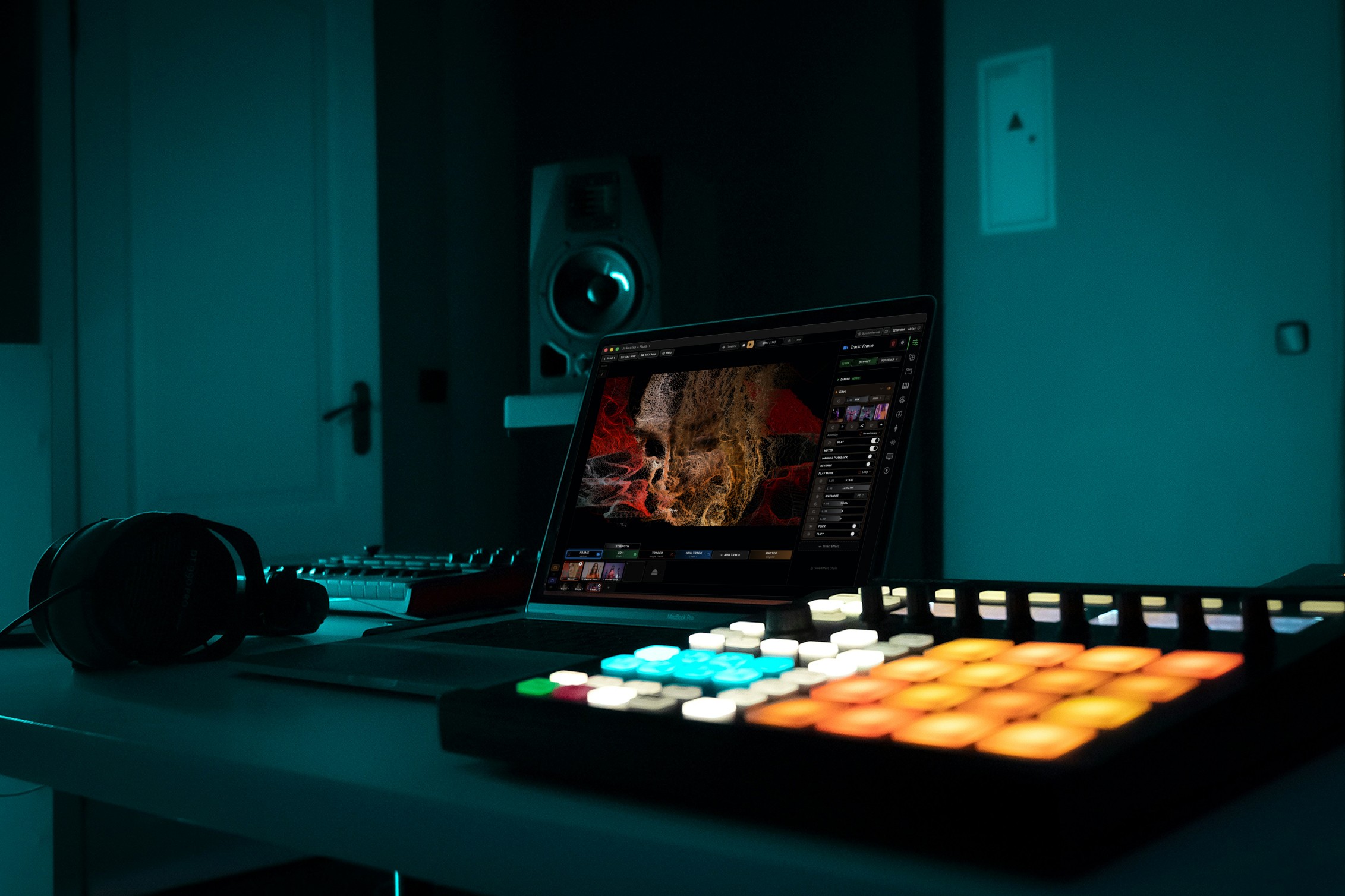
Powerful for the Stage, Simple to start today
Arkestra is our flagship application for real-time generative visuals, for VJs, musicians, DJs and creators all around the world