
Arkestra vs RenderWave: Which Mac Visual Tool Is Right for You?
RenderWave launched in 2024 and has quickly become one of the most interesting new tools in the Mac visual performance space. Both Arkestra and RenderWave are built for Mac, both target musicians and live performers, and both position themselves as the native-Mac alternative to Resolume and VDMX. This comparison is written by the Arkestra team, so take the framing with that in mind. But the feature comparison below is accurate, and we've tried to be fair about where RenderWave does things well.
At a glance
|
| |
|---|---|---|
|
|
|
|
|
|
|
|
|
|
|
|
|
|
|
|
|
|
|
|
|
|
|
|
|
|
|
|
|
|
|
|
|
|
|
|
|
|
|
|
|
|
Workflow and philosophy
Arkestra uses a track-based workflow. Each track has its own chain of effects, its own audio input, its own modulation sources. If you work in Ableton or any DAW, the mental model is familiar: you build something up from individual tracks, each doing its own thing, combined into a mix.
RenderWave is more of a scene-based tool. You pick a shader, configure its audio reactivity, and perform it. The interface is cleaner and faster to get started with, but there's less infrastructure for building complex multi-layer visual setups.
If you want to build a visual set with distinct sections that evolve over the course of a performance, Arkestra's Scenes and Chain Snapshots let you do that. RenderWave is stronger for a single-shader-at-a-time flow.
Audio reactivity: where they really differ
This is the biggest practical difference between the two tools.
RenderWave offers per-band reactivity: you can route bass, mid, and treble bands to different visual parameters. It works well and is fast to configure.
Arkestra goes further with the Echo plugin. Echo is a free AUv3/AU/VST3 plugin that drops into any Ableton track. Each track with Echo installed sends its audio channel directly into Arkestra, independently. Your kick can drive one visual parameter, your synth another, your reverb send another. This is per-track routing, not just per-band.
For producers who work in Ableton, Echo is the feature that changes how the tool feels. Instead of Arkestra reacting to your master output, it responds to the individual musical elements you've chosen to connect. The visuals feel like they're coming from inside the production rather than on top of it.
Shader library
RenderWave ships 73 production shaders. They're high quality and well-suited for performance. The library is curated and polished.
Arkestra ships with hundreds of ISF shaders and includes a browser that connects to the community shader library. ISF (Interactive Shader Format) is an open standard, so there are thousands of shaders available online. You can also edit shaders directly in Arkestra Studio and use AI to generate new ones.
If you want to work with a focused, curated set of visuals, RenderWave's library is excellent. If you want access to a larger creative ecosystem, or you want to customize and build your own shaders, Arkestra has more depth.
Price and value
RenderWave pricing:
Free tier
$9.99/month subscription
$99/year subscription
$299 perpetual license
Arkestra pricing:
Free tier (no time limit)
$199 one-time perpetual license
Rent-to-own: $19/month for 12 months, then permanently owned
Both have free tiers worth trying before spending anything. At the perpetual level, Arkestra ($199) is notably cheaper than RenderWave ($299). Arkestra's rent-to-own path ($19/month) is also more accessible if you don't want to commit upfront.
RenderWave's monthly option ($9.99/mo) is worth considering if you want lower initial commitment without the 12-month ownership track.

Who should use RenderWave
You're on an M1+ Mac running macOS 15 or later
You want a clean, fast-to-configure interface with no learning curve
You use an APC40 mkII and want LED feedback
You prefer a curated shader library over a large open ecosystem
Who should use Arkestra
You want to work in Ableton with per-track visual routing via Echo
You want a deeper creative workflow: feedback loops, 3D point clouds, fluid simulation, vision tracking
You want access to hundreds of ISF shaders and the broader community library
You want AI-assisted shader generation today, not on a roadmap
You need NDI output or want to run on Intel Macs (macOS 14+)
You want a one-time purchase under $200
Read more
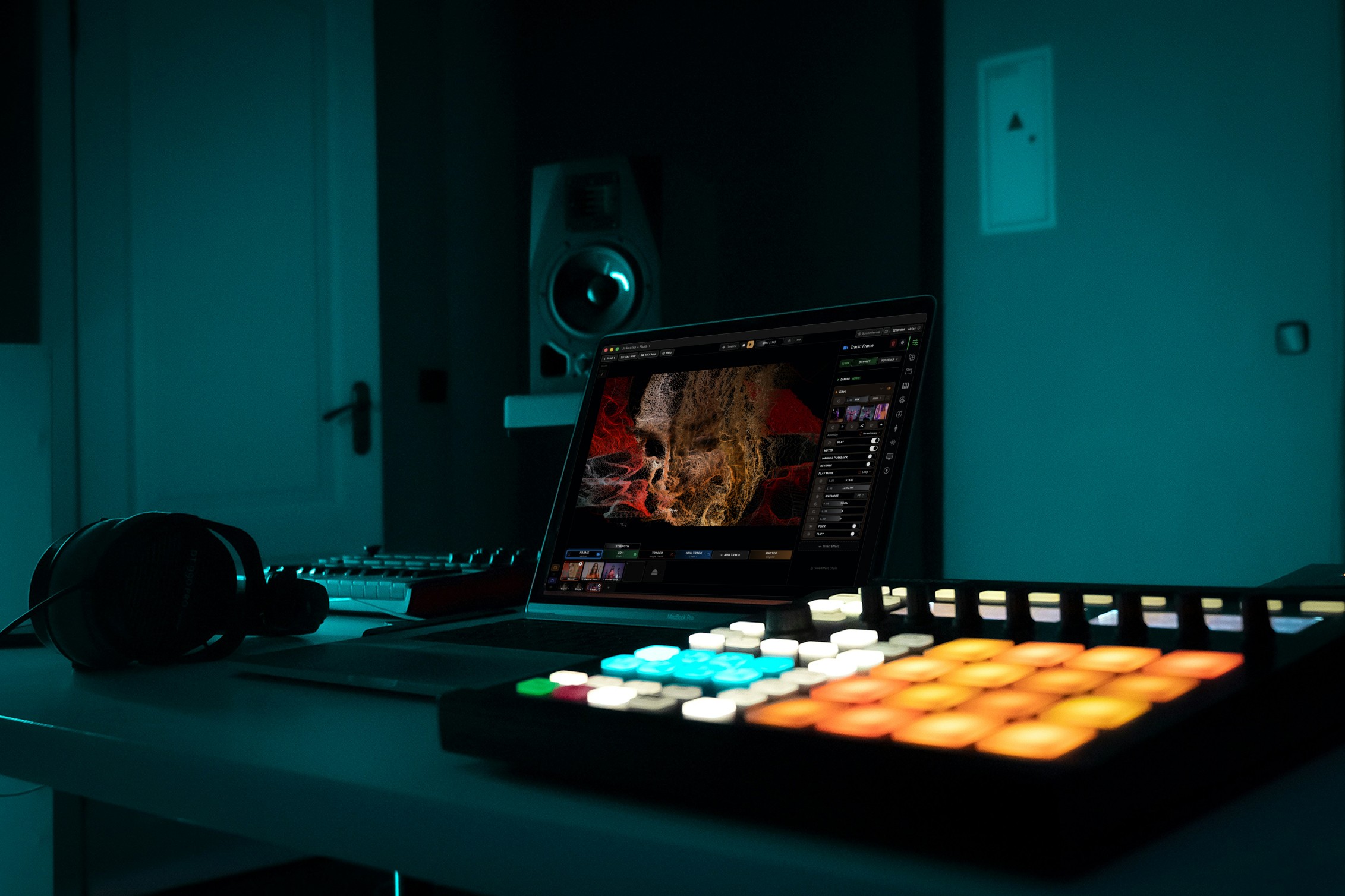
Powerful for the Stage, Simple to start today
Arkestra is our flagship application for real-time generative visuals, for VJs, musicians, DJs and creators all around the world